Gartner estimates the average network outage costs around $5,600 per minute, or roughly $336,000 per hour. For businesses running payment systems, hosted phones, or cloud applications, that math gets scary fast.
Dedicated Internet Access (DIA) is one answer: a connection reserved entirely for your business, not shared with the office next door. This guide covers how DIA works, what it costs, how it stacks up against fiber, Ethernet, MPLS, and fixed wireless, and how to know if you actually need it. Spoiler: not every business does.
Key Takeaways
- DIA delivers symmetrical, guaranteed bandwidth backed by SLAs, but costs more than shared internet
- Fiber is a delivery medium; DIA is a service arrangement. Fiber internet isn't automatically dedicated
- Weigh total cost, SLA terms, support, security, and redundancy, not just advertised speed
- Choose DIA when revenue, customer experience, or critical apps depend on steady connectivity
What Is Dedicated Internet Access (DIA) for Business?
DIA is a private, business-grade connection between your location and your provider's network. The bandwidth you pay for is reserved exclusively for you, not shared with other tenants in your building or other customers on the same node.
Compare that to shared broadband: a plan advertising "500 Mbps" on cable or DSL is a maximum, not a guarantee. During peak hours, actual throughput can drop well below that number when everyone on the node is streaming, uploading, or backing up at once.
DIA avoids that problem because no one else competes for the same pipe.
How DIA Works
Every DIA circuit has two parts:
- Last-mile connection: The physical link from your building to the provider's nearest access point
- Provider network and internet transit: The path from that access point out to the broader internet
The key metrics that matter here:
- Symmetrical bandwidth: Equal upload and download speeds — essential for VoIP, video conferencing, and large file transfers
- Latency: Round-trip delay; Verizon's own SLA targets 45 ms or less for average US routes
- Jitter and packet loss: Variability and dropped packets that can degrade voice quality noticeably

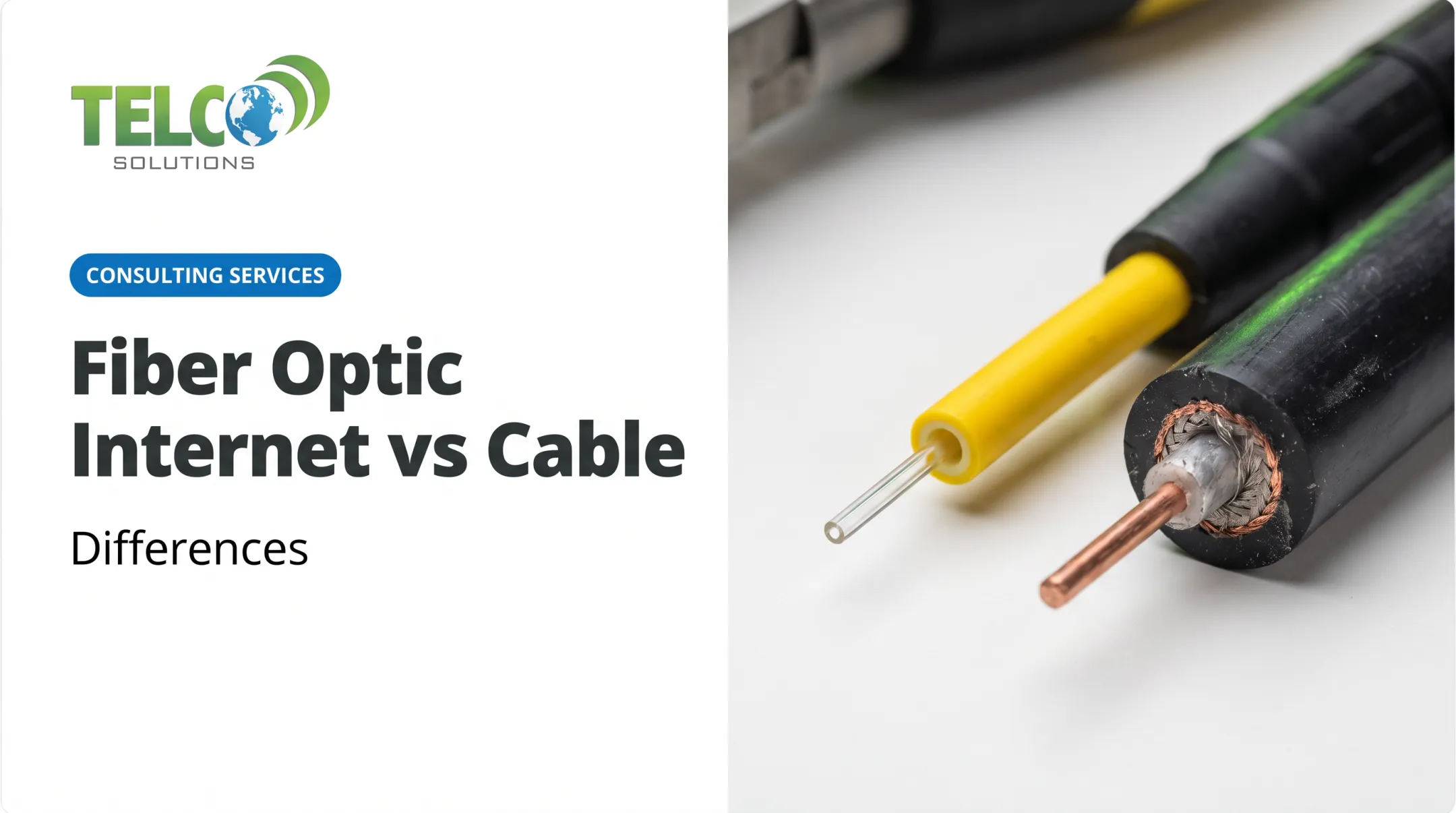
One common mix-up: DIA isn't the same thing as fiber. DIA describes a dedicated service arrangement. Fiber describes the physical medium carrying it. DIA can run over fiber, wireless, or even copper, though fiber is the most common choice today.
Service Level Agreements and Support
An SLA is where DIA’s reliability is defined in writing, but only if you read the actual contract. Look for:
- Uptime commitments (often 99.99% or higher)
- Latency and packet-delivery targets
- Repair and restoration timeframes (Verizon's standard is a 4-hour time-to-restore)
- Service credit rules and claim deadlines
- Exclusions for scheduled maintenance, customer equipment, or force majeure
Dedicated bandwidth is not the same as cybersecurity. A private circuit isolates your traffic from other customers, but it doesn't stop phishing, malware, or unauthorized access on its own. You still need firewalls, endpoint protection, and monitoring layered on top.
Why Businesses Choose DIA
Predictable bandwidth pays off in concrete ways:
- Keeps hosted VoIP, video meetings, remote desktop, and data replication stable with steady upload and download performance
- Cuts dropped calls and troubleshooting time by avoiding shared-network congestion
- Matches upload to download for teams shipping large video files or syncing heavy datasets to the cloud
- Scales as headcount, locations, or cloud usage grow — confirm upgrade timelines and fees before you sign
Who Tends to Need It Most
- Multi-site businesses needing consistent performance across every location
- Clinics and professional firms handling sensitive client data
- Call-heavy service businesses where dropped calls mean lost revenue
- Creative or engineering teams moving large files daily
- Mid-market companies without dedicated in-house IT support
When DIA May Not Be Necessary
Not every business needs this level of investment. A small office with light email, web browsing, and modest cloud use may do fine on business broadband or fiber broadband when brief slowdowns won’t hit revenue or client work.
Others get similar peace of mind with a lower-cost primary link plus a tested backup or failover circuit — often at a fraction of DIA pricing. Weigh the real cost of downtime against the circuit premium; a telecom partner that sources across multiple carriers can help you compare dedicated vs. shared options without overbuying.
DIA vs. Other Business Internet Options
Here's how DIA stacks up against the alternatives providers typically quote:
| Option | Bandwidth Model | Typical SLA | Best Fit |
|---|---|---|---|
| DIA | Reserved, symmetrical | 99.99%+ uptime | Mission-critical apps, VoIP, finance |
| Business Fiber | Often symmetrical, may be shared | Less stringent or absent | General office, cloud apps |
| Business Cable | Shared, asymmetrical | Best-effort, no guarantee | Small offices, basic needs |
| Fixed Wireless (FWA) | Varies by provider | Varies | Backup, rapid deployment, poor fiber access |

Fiber Isn't Automatically Dedicated
Fiber is a transmission medium — it can carry either shared broadband or a fully dedicated service. DIA adds the reserved capacity, defined SLA, and business support layer on top. Always verify the provider's exact service definition rather than assuming "fiber" means "dedicated."
Ethernet, MPLS, and FWA Compared
- Ethernet often refers to the access handoff itself, or a private point-to-point connection. It can connect sites without providing internet access at all.
- MPLS is a private WAN service for connecting locations and controlling traffic—not a substitute for internet access. Many businesses run DIA alongside MPLS or SD-WAN in a hybrid setup.
- FWA uses radio instead of cable, so install is faster and cheaper than trenching fiber. Terrain, buildings, and weather can degrade signal—confirm whether the service is dedicated or shared before treating it like DIA.
How to Choose
Base your decision on:
- Application mix and sensitivity to latency or packet loss
- Number of users, locations, and upload-heavy workflows
- How much downtime your business can realistically absorb
- Budget and installation timeline
- Whether backup connectivity is already in place
Availability varies by address, not just by market. Check what's actually available at your specific location before assuming a technology common in one city is available at your office. A multi-provider review is often the fastest way to see real DIA, fiber, and fixed-wireless options at that address.
How Much Does DIA Cost?
There's no fixed national rate for DIA. Pricing is quote-based and depends on bandwidth, technology, provider, address, contract length, and SLA terms. AT&T, for example, lists Dedicated Internet as a custom quote rather than a published rate.
According to Lightyear's 2025 State of Connectivity Report, median 36-month US quotes break down like this:
| Bandwidth | 10th Percentile | Median | 90th Percentile |
|---|---|---|---|
| 100 Mbps | $390/mo | $509/mo | $671/mo |
| 1 Gbps | $613/mo | $975/mo | $1,442/mo |
| 10 Gbps | $1,416/mo | $2,555/mo | $3,724/mo |

What's in a Quote
Expect two buckets of charges:
- Monthly recurring: Access fees, internet service, managed router/security add-ons
- One-time (non-recurring): Installation, construction/extension, activation, site surveys, cross-connects
The access charge specifically covers delivering the physical circuit to your building. It's separate from internet transit, managed services, or equipment costs. Ask for it as its own line item.
Weighing the Cost Against Downtime
Downtime isn't cheap. Missed transactions, idle employees, and disrupted customer commitments all add up—often far beyond the monthly circuit fee. That risk is why quote details matter as much as the rate. When comparing quotes, request:
- Committed (not maximum) bandwidth, stated as symmetrical
- SLA remedies spelled out, not just referenced
- All fees itemized: installation, equipment, taxes, early termination
How to Evaluate and Buy DIA
Before requesting quotes, build a short checklist:
- Inventory your users, devices, and critical applications
- Measure peak upload and download demand over a real usage window
- Define acceptable downtime in hours, not vague terms like "minimal"
- Document any security or compliance requirements
- Decide whether one circuit is enough or if redundancy is needed
Questions Worth Asking Every Provider
- Who owns the last-mile circuit, and who handles end-to-end support?
- How exactly is the SLA measured, and what triggers a credit?
- What are the repair and escalation targets in writing?
- How is planned maintenance communicated in advance?
- Can bandwidth scale up without a new construction project?
Plan for Redundancy Where It Matters
If downtime is genuinely costly, a second, physically diverse circuit (fiber, fixed wireless, or cellular) adds real protection. That said, failover only works if it's tested.
Quarterly failover tests are a reasonable baseline: disconnect the primary link, confirm traffic shifts within about a minute, and verify POS, VoIP, and CRM systems still function on the backup.

TelcoSolutions works across a network of 300+ national and regional providers, matching businesses to the right combination of internet, voice, and support based on location, budget, and operational needs rather than pushing one carrier's product.
If you're weighing DIA against shared broadband, FWA, or a hybrid setup, a needs-based connectivity assessment can clarify which option actually fits before you sign anything.
Frequently Asked Questions
How much does dedicated internet access cost?
DIA is typically quote-based, depending on bandwidth, location, delivery method, construction needs, SLA terms, and contract length. Always compare total recurring and one-time charges, not just the advertised monthly rate.
What is the DIA access charge?
The access charge covers the cost of delivering the physical circuit or local connection to your business. It's often listed separately from internet service, equipment, and managed service fees.
What is the difference between shared and dedicated internet?
Dedicated internet reserves capacity exclusively for your business, giving predictable performance. Shared internet splits capacity among multiple customers, which can slow down during peak congestion, though performance varies by provider.
How does DIA compare to fiber, Ethernet, MPLS, and fixed wireless?
DIA is a dedicated internet service; fiber is the delivery medium it may run on. Ethernet can describe the access method or private connectivity. MPLS is typically a private WAN, and FWA is a wireless delivery method that may or may not be dedicated.
Is dedicated internet worth it?
It's worth it when downtime, inconsistent uploads, or voice and cloud disruptions genuinely hurt your operations. For lower-demand businesses, shared internet plus tested backup connectivity can be more economical.
What does dedicated internet mean?
Dedicated internet means the bandwidth is reserved for one customer, usually with symmetrical speeds and contractual service commitments, subject to the specific terms in the provider's agreement.