Small businesses are ditching legacy phone lines fast. The FCC reports that retail switched-access lines dropped 17.9% annually, while VoIP subscriptions now cover 63 million connections nationwide, according to FCC data through June 2025. Remote and hybrid teams need phone systems that follow employees, not desks.
This guide covers how VoIP actually works, which features matter, how to estimate real costs, when a different setup makes more sense, and how to plan a migration that doesn't disrupt your business.
Key Takeaways
- VoIP replaces copper phone lines with internet-based calling, giving you more device and routing flexibility
- The advertised per-user price rarely equals your total cost once hardware, numbers, and taxes are added
- Reliable internet, backup connectivity, and emergency-calling planning are non-negotiable
- Compare providers on implementation support and billing transparency, not just feature lists
What Is a VoIP Phone System for a Small Business?
VoIP, or Voice over Internet Protocol, converts your voice into digital data packets and sends them over the internet instead of a copper phone line. A cloud PBX reassembles those packets and delivers the call through an app, an IP desk phone, a browser, or a mobile device. The FCC defines it simply as technology that makes calls over broadband instead of an analog line.
A basic small-business setup includes:
- A provider platform (the cloud PBX)
- Business phone numbers and extensions
- Call-routing rules
- A reliable internet connection
- Endpoints — desk phones, softphones, or mobile apps
- Admin controls and optional integrations (CRM, helpdesk)
Hosted VoIP vs. On-Premise PBX
Hosted VoIP (also called cloud PBX) means your provider manages the equipment in their data center. On-premise PBX means you own and maintain the hardware yourself. UCaaS builds on hosted VoIP by adding messaging, video, and collaboration tools around the phone service.
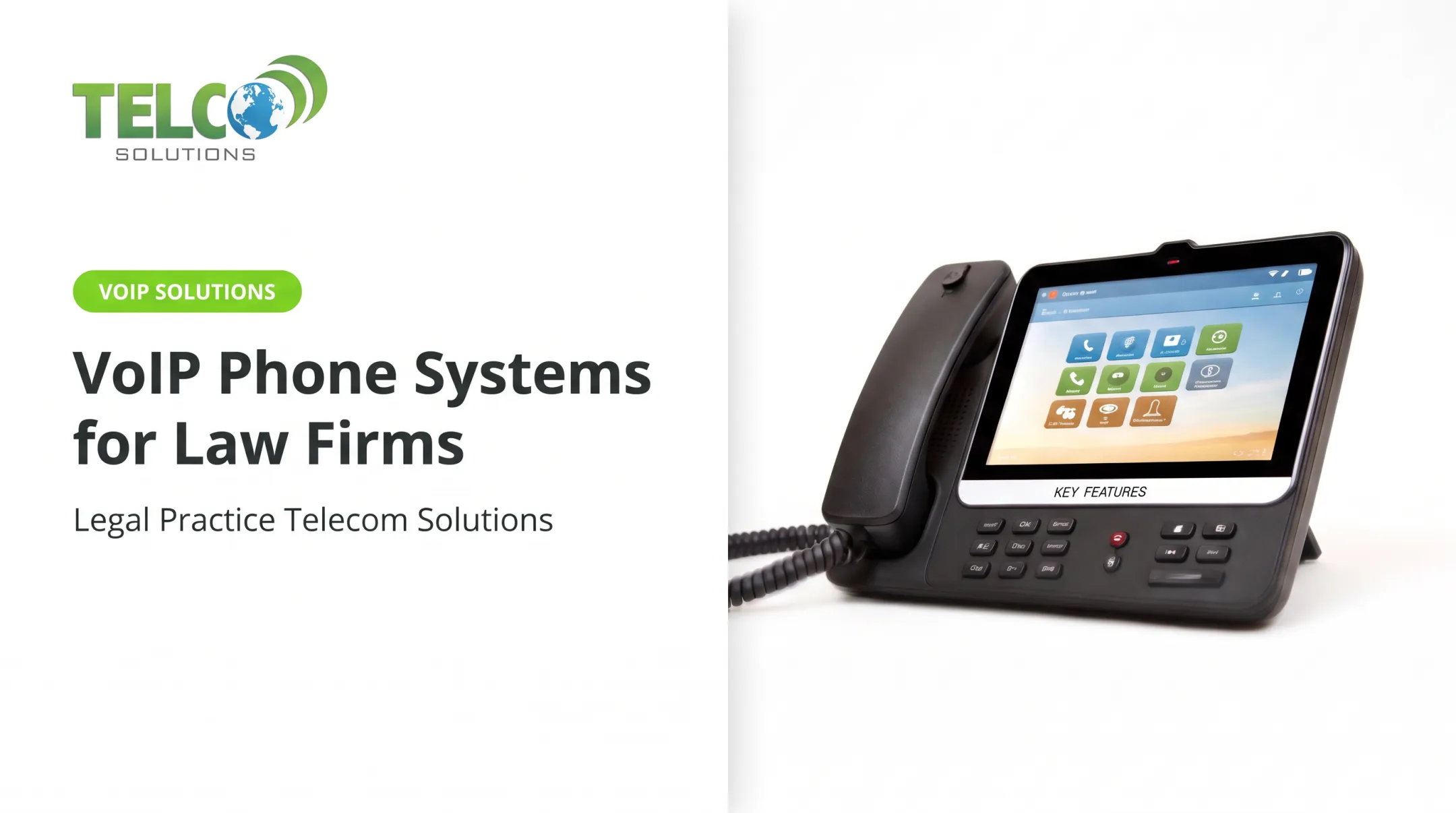
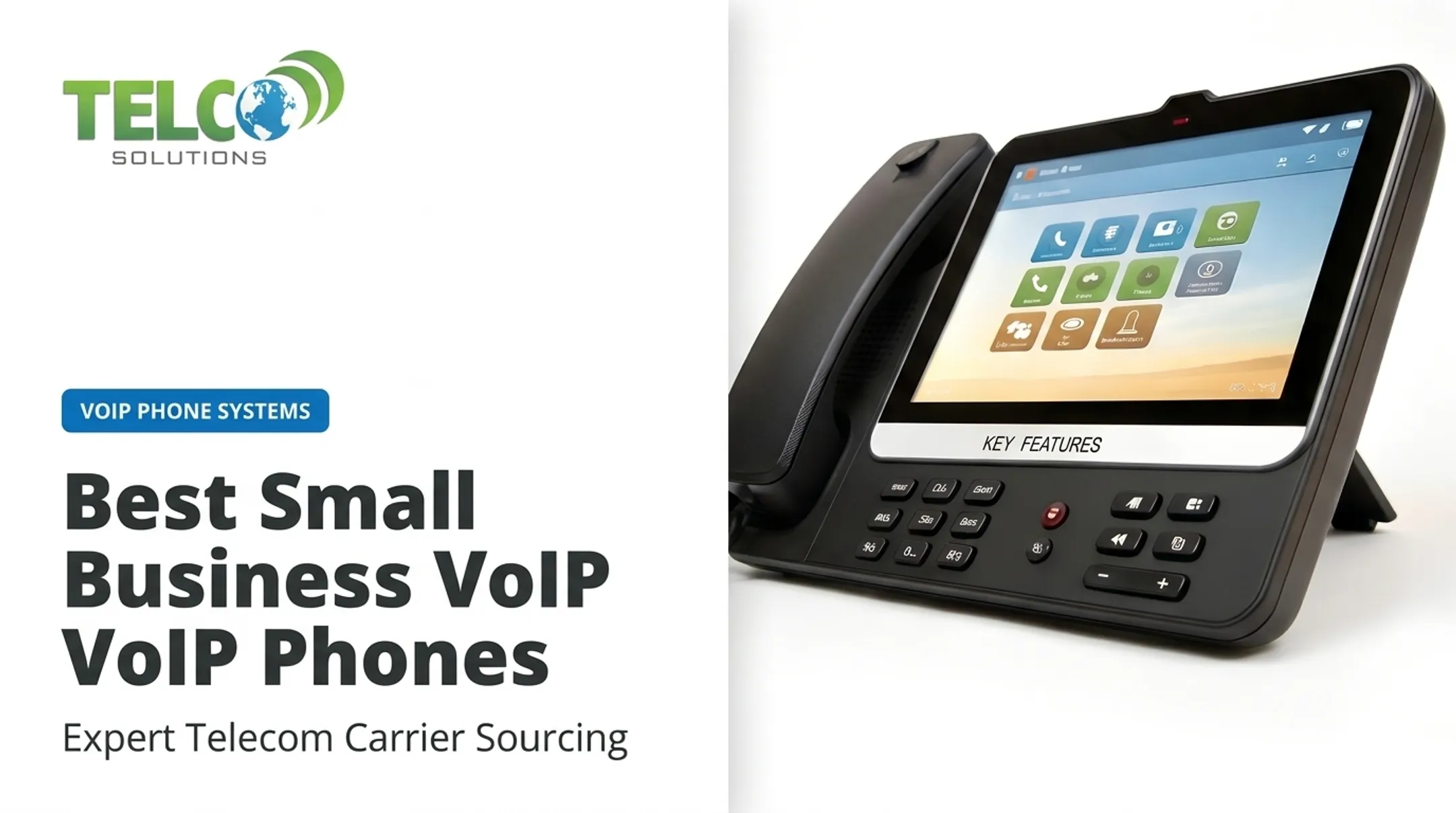
One distinction trips people up constantly: a VoIP phone system is the service and call-management platform. An IP phone is just one device you can use to access it. You could run the same system entirely through a laptop app.

Features Most Buyers Evaluate
- Auto-attendants and IVR menus
- Ring groups and call queues
- Call forwarding and voicemail-to-email
- SMS/MMS business texting
- Number porting
- Call recording
- Mobile and desktop softphones
Best fit for:
- Offices replacing aging PBX hardware or an expiring carrier contract
- Remote and hybrid teams that need one number across desk and mobile
- Multi-site organizations that want consistent call routing at every location
- Appointment-driven businesses that lose revenue when calls go unanswered
Benefits and Features Small Businesses Should Expect
Cost, Mobility, and Scalability
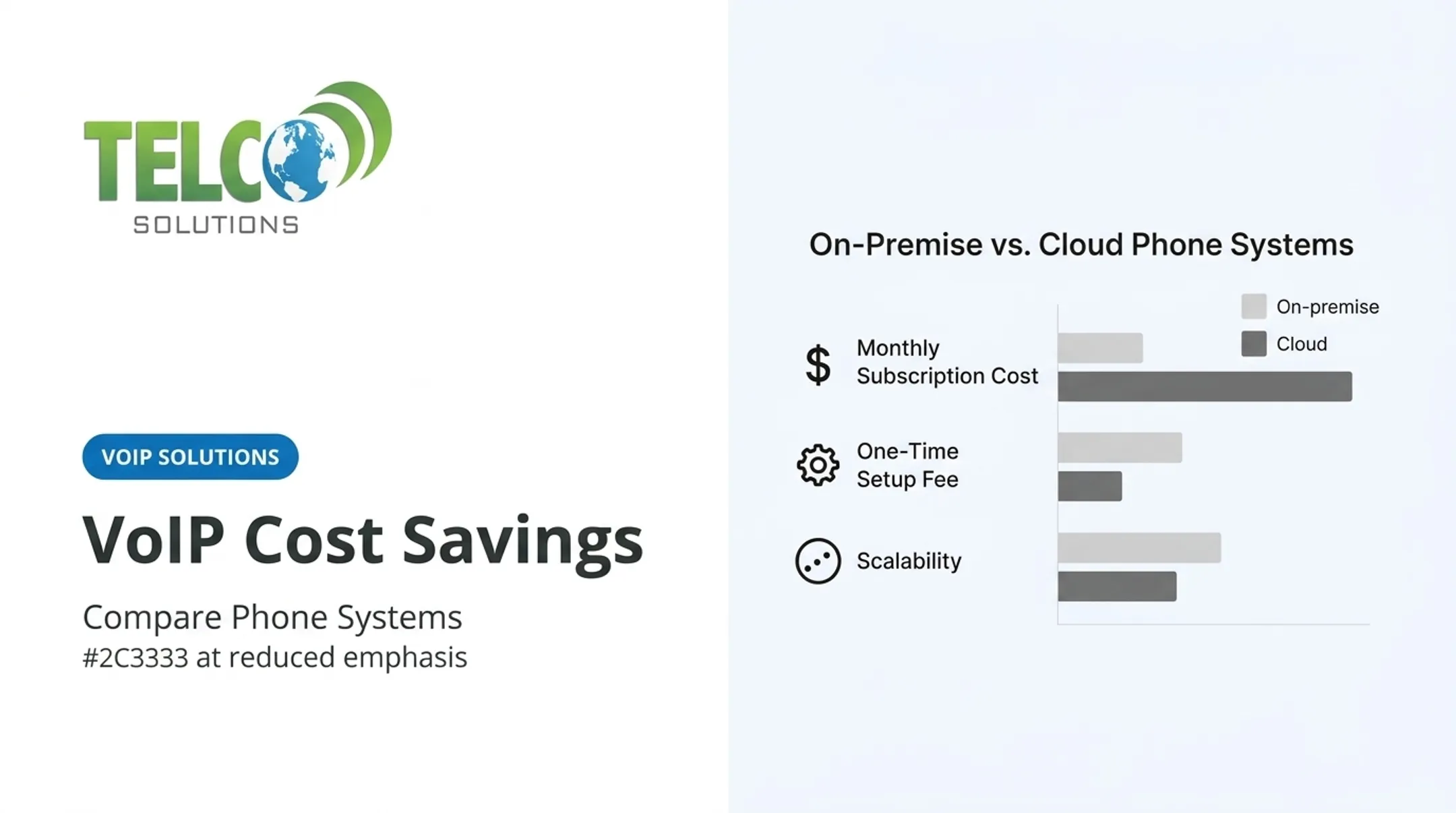
VoIP typically costs less than maintaining separate phone lines, hardware, and on-site IT support. PCMag's 2025 Business Choice report notes companies can save as much as 75% on operational costs, though your actual savings depend on your current setup and provider.
Mobile apps, browser calling, and softphones let your team use the same business number from the office, home, or a client site. An employee in Philadelphia can carry a San Diego number without anyone knowing the difference.
Adding users, numbers, or entire locations typically happens through a web portal, with no technician visit required. A five-person office can grow to fifty without replacing the underlying system.
Call Handling and Productivity Integrations
Auto-attendants, scheduled routing, ring groups, and overflow queues mean calls don't depend on one person picking up. After-hours rules and voicemail transcription catch what would otherwise become a missed opportunity.
VoIP platforms also connect with CRM, help desk, and calendar tools. Practical examples:
- Click-to-call from a CRM record
- Automatic call logging tied to customer accounts
- Searchable call recordings for training or disputes
- Follow-up reminders triggered by missed calls
Reliability and Security Reality Check
VoIP depends entirely on power and internet access. The FCC warns that some VoIP services stop working during power outages unless backup power is in place. Leading providers publish uptime commitments. RingCentral, for example, reports 99.999% availability, or less than 78 seconds of downtime per quarter.
Before you commit, confirm:
- Provider redundancy and documented uptime SLAs
- Encryption standards like TLS and SRTP
- Multifactor authentication for admin accounts
- A backup internet plan, cellular failover, or battery backup
- Emergency-calling compliance (more on this below)

How to Choose the Right VoIP Phone System
Start With a Requirements Assessment
Before comparing vendors, map out:
- Employee count and simultaneous call needs
- Inbound vs. outbound volume
- Remote users and number of locations
- International calling needs
- Desk-phone preferences vs. app-only
- Existing CRM or collaboration tools
Calculate Total Cost of Ownership
The advertised price is rarely the final bill. Published rates range widely: Google Voice starts around $10/user/month, Ooma Office runs $19.95–$24.95 per account monthly, and Nextiva and 8x8 list plans near $15/user/month.
But your actual monthly cost also includes:
- Additional phone numbers or toll-free service
- Hardware and installation
- Number porting fees
- Call recording storage
- Taxes and regulatory fees (often 5–20% of your bill)
- International minutes and contract terms

A 15-person office replacing an old PBX needs more than 15 licenses. Factor in shared lines, conference rooms, and growth.
Build a Must-Have Feature Checklist
Price alone will not tell you if the system fits. Skip the longest feature list and prioritize what your workflow actually uses:
- Call routing and queue behavior
- Voicemail and mobile access
- Business texting
- Integrations with your existing tools
- Admin roles and recording policies
- Number portability
Validate Network Quality and Support
RingCentral recommends at least 90 Kbps of dedicated bandwidth per voice line. Call quality starts to drop when jitter rises above 50ms or latency exceeds 150ms. Ask providers about:
- Supported routers and QoS settings
- Documented uptime and SLA terms
- Emergency-calling support
- Failover options during outages
Onboarding matters as much as the network path. Weigh configuration help, number porting, employee training, and billing transparency before you sign.
If you have multiple locations, an aging PBX, or no dedicated IT staff, a tailored assessment from TelcoSolutions can flag design gaps early—vendor-neutral sourcing across 300+ providers, plus porting and implementation support—so problems do not turn into expensive rebuilds.
VoIP Alternatives: When Another Option May Fit
VoIP isn't automatically right for every business. Consider these alternatives based on your specific constraints:
- Traditional landlines or on-premise PBX: Still worth considering if internet is limited or specialized equipment is tied to existing infrastructure. Trade-off: less mobility and more maintenance.
- Mobile forwarding or a basic virtual number: Enough for a solo professional with low call volume. Limits show up quickly with shared numbers, queues, or any need for call analytics.
- SIP trunking: Connects your existing on-premise PBX to the internet without replacing hardware. Best for teams with in-house IT that are not ready for a full hosted migration.
- Hybrid IP-PBX: Keeps existing equipment while moving voice to an internet-based carrier. Useful for phased cutovers, but you still maintain on-site hardware.
Compare these options on continuity, security, scalability, and total cost—not on whether they use the internet alone.
How to Plan and Implement a VoIP Phone System
Pre-Migration Checklist
Before switching, document:
- Current phone contract terms and end date
- Existing numbers, extensions, and call flows
- Business hours and emergency address information
- Internet performance and backup connectivity
- Devices and required integrations
- Security policies and employee responsibilities
Rollout Process
- Document your current system and design new routing rules
- Select temporary numbers if needed during transition
- Authorize number porting with your current and new providers
- Configure apps and desk phones
- Test inbound and outbound calls thoroughly
- Verify voicemail and after-hours behavior
- Train staff before retiring the old service completely

The FCC notes that simple ports generally process within one business day, though full porting can take days to weeks depending on the carrier.
Before go-live, test real scenarios:
- Simultaneous inbound calls
- Transfers and queue overflow
- Mobile handoffs
- Behavior during an internet outage
After launch, review call quality, missed calls, and billing accuracy for at least the first month.
When Managed Implementation Is Worthwhile
Migrations get complicated fast with multiple locations, complex call flows, or limited in-house IT capacity. TelcoSolutions works through a network of 300+ telecom providers to match small offices, multi-site businesses, and remote teams with VoIP and UCaaS systems suited to their call volume and workflow. The team coordinates number porting, implementation, and billing so your staff is not left managing the cutover alone.
If you are comparing your current phone system to a switch, map your users, locations, and call-routing needs first—then request a quote built around that plan.
Frequently Asked Questions
How much does a VoIP phone system cost for small businesses?
Published pricing ranges from about $10 to $40+ per user per month depending on plan level, with additional costs for hardware, phone numbers, setup, and taxes. Your total monthly bill will typically run higher than the advertised subscription price alone.
Is VoIP suitable for small businesses?
Yes, for most offices, remote teams, multi-site organizations, and call-heavy businesses. Success depends on having reliable internet, power backup planning, and proper emergency-calling setup in place first.
What is the best IP phone system for small businesses?
The best choice depends on your team size, call volume, routing complexity, and budget; there's no universal winner. The phone-service provider and the IP desk-phone hardware are separate decisions.
Is there an alternative to VoIP?
Yes. Traditional landlines, on-premise PBX, mobile call forwarding, and hybrid SIP-based systems are all viable depending on your internet reliability, IT capacity, and call volume needs.
Can a small business keep its existing phone number when switching to VoIP?
Yes, through number porting. Confirm eligibility with your new provider and keep your existing service active until the port is fully completed and tested.
Do small businesses need desk phones to use VoIP?
No. Employees can use desktop, browser, or mobile apps instead. Desk phones still make sense for receptionists, shared workspaces, and conference rooms.